New in Rhino 8
Rhino 8 brings new modeling tools like ShrinkWrap, a huge speed boost for Mac users, SubD Creases, PushPull workflows, better drafting tools, a more customizable User Interface, a faster Render engine, new Grasshopper data types, and much more.
ShrinkWrap: Turn Garbage To Gold
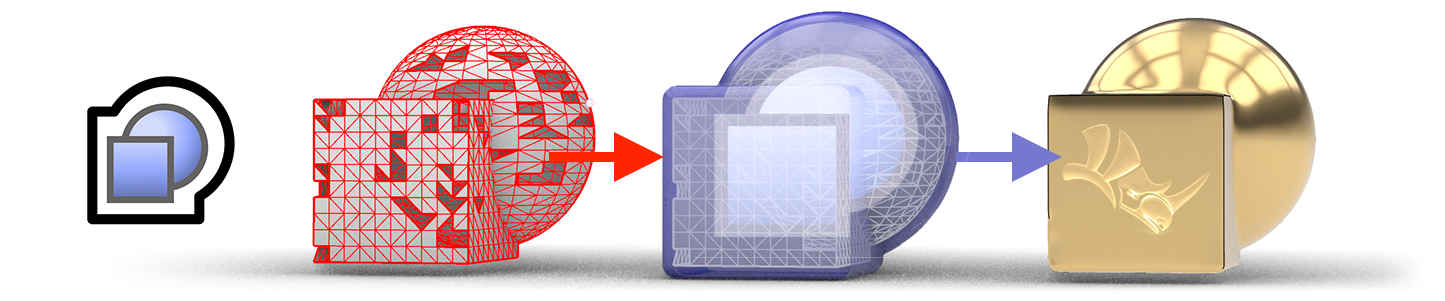
ShrinkWrap creates a watertight mesh around open or closed meshes, NURBS geometry, SubD, and point clouds: ideal for creating meshes for 3D printing.
Built for Mac
Rhino for Mac is faster than ever, running natively on both Apple Silicon and Intel Macs, and using the Apple Metal display technology. We’ve also brought the User-Interface on Mac closer to its Windows sibling…
Blazingly fast 3D drawing, a massive speed boost for Mac users.
Customize, save, share, and restore your favorite interface layouts.

Rhino for Mac runs natively on Apple Silicon and Intel Macs.
Layers are essential to an organized model. Group related objects together …
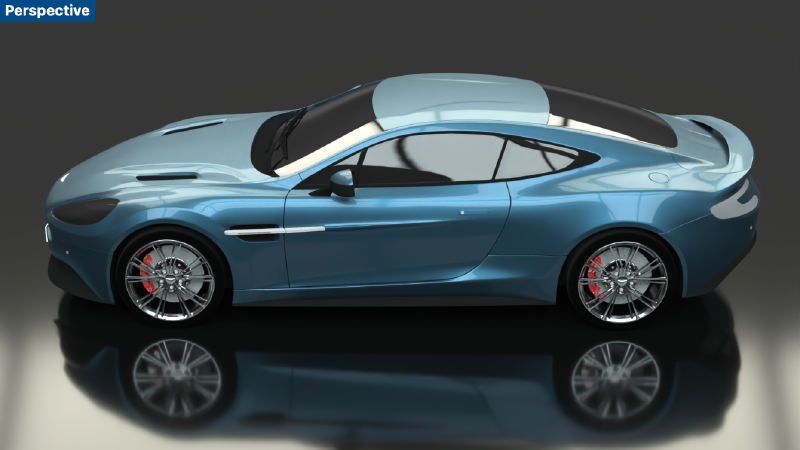
Rhino Render quickly creates beautiful images using the latest Cycles …
SubD Creases
SubD Creases create a feature between a smooth and a sharp edge, without adding complexity to the SubD control net, great for making fillet-like features.

Modeling: Simplified
Rhino 8 unlocks new modeling workflows — like PushPull — and adds intuitive new features to the Gumball, Automatic CPlanes, and more…
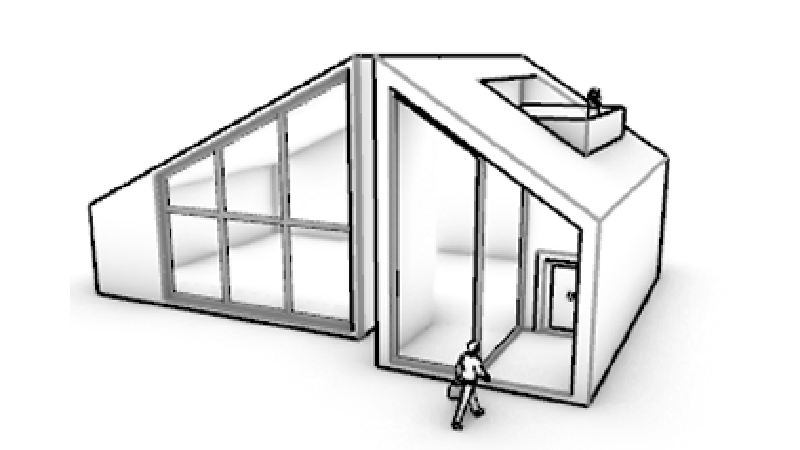
Rhino's model creation tools make it flexible, accurate, open, and very …
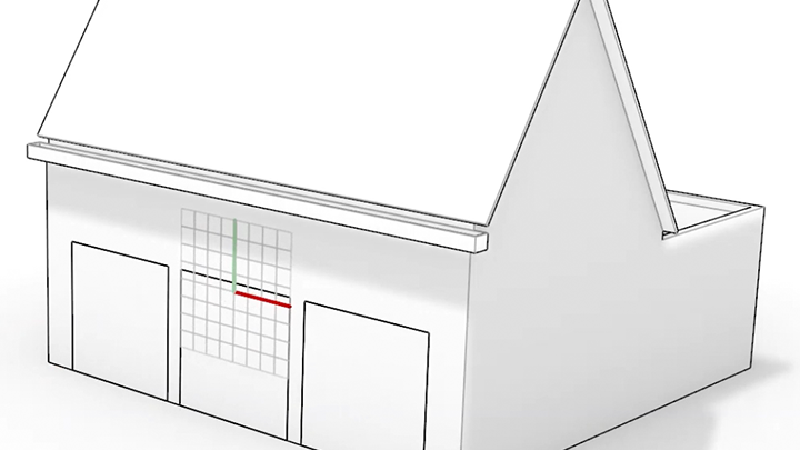
Smarter CPlanes automatically align to eligible selections.
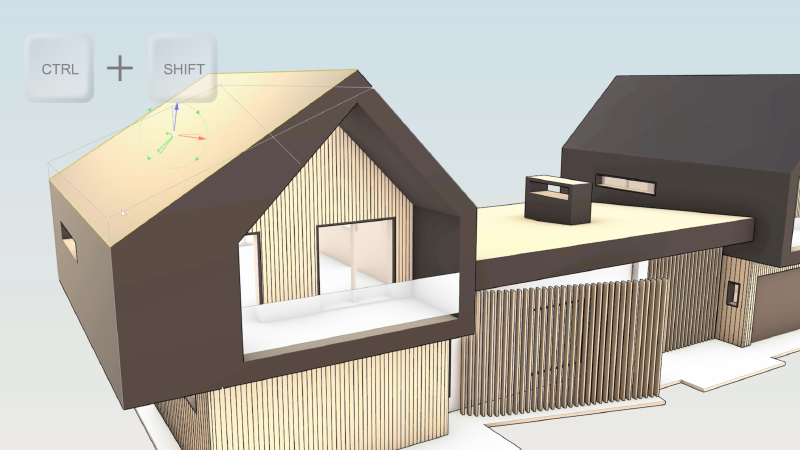
Quickly Move, Rotate, Scale, Extend, Copy, Cut, and Extrude geometry in the viewport.
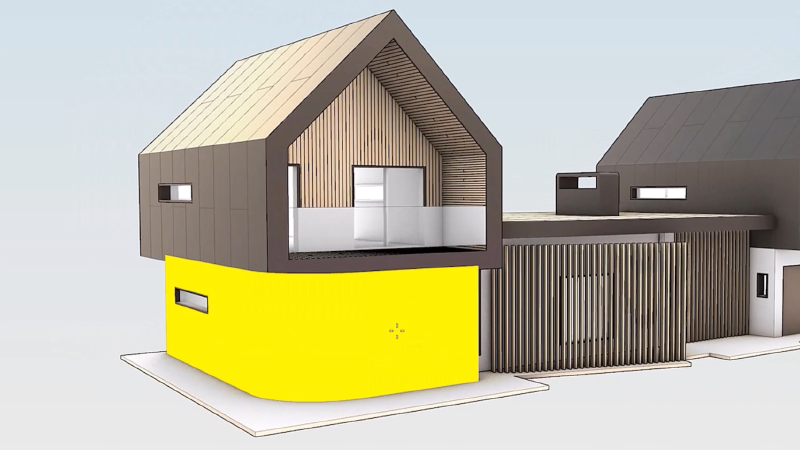
Grab faces and push or pull them. Speed up modeling by using curves to add …
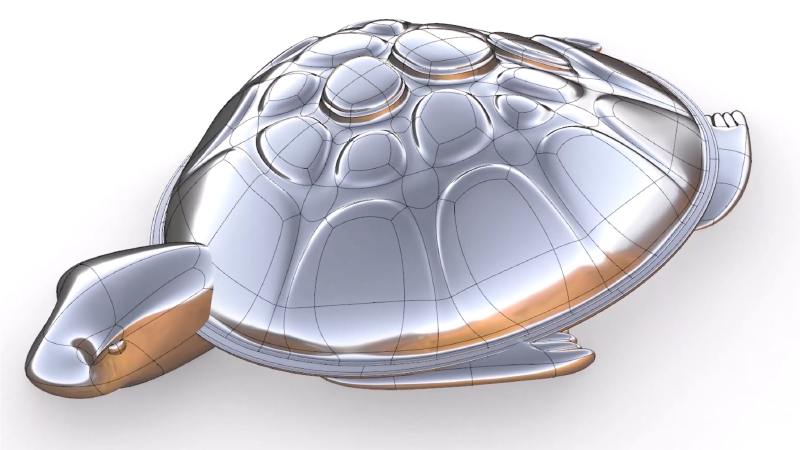
Easily add details to your designs. Create internal per-face boundaries or across multiple faces.
Clipping and Sectioning
Rhino 8 introduces a number of clipping and sectioning enhancements to help support various drafting and fabrication workflows…
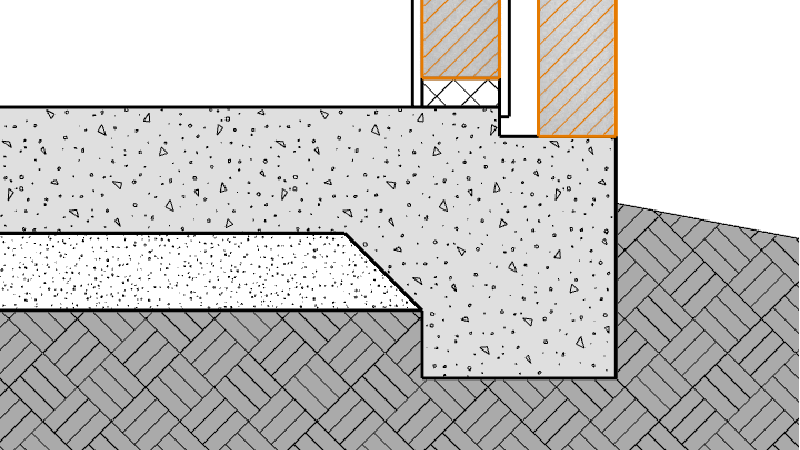
Use Section Styles to create section details of your model.
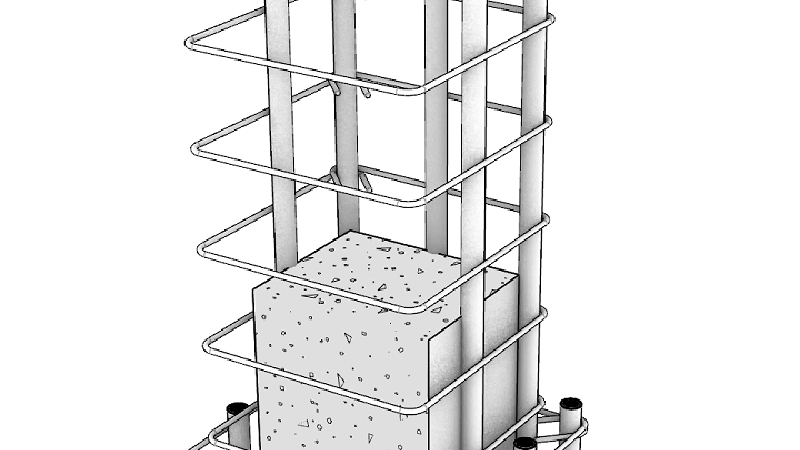
Selective clipping and viewing depth.
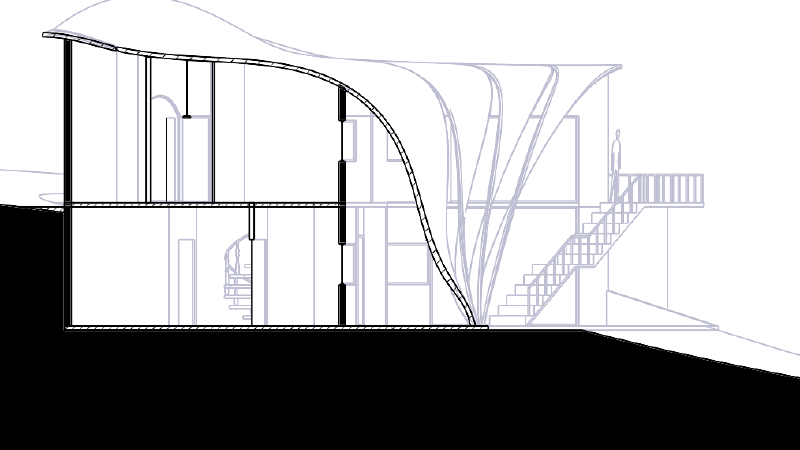
Create dynamic vector drawings of clipping sections.
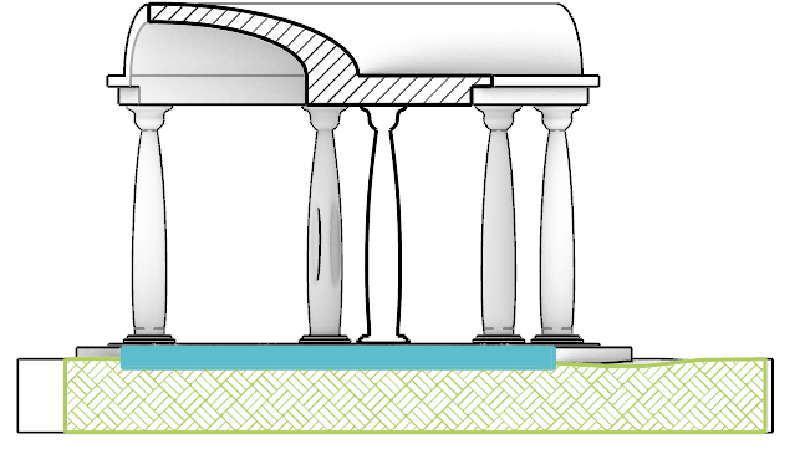
Use Clipping Planes Views in 2D Layouts.
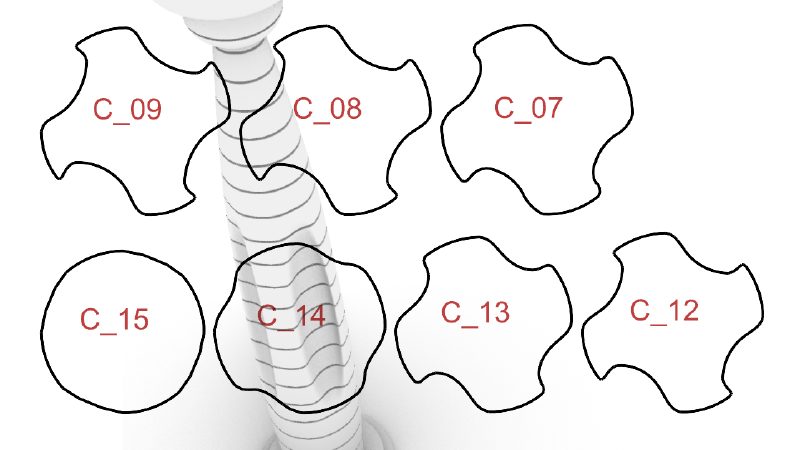
Extract section curves and slices for fabrication.
Presentation
In Rhino 8, we’ve updated the Cycles Render engine, smoothed out the UV Workflow, improved our procedural textures, added a display mode, and more…
Rhino Render quickly creates beautiful images using the latest Cycles …
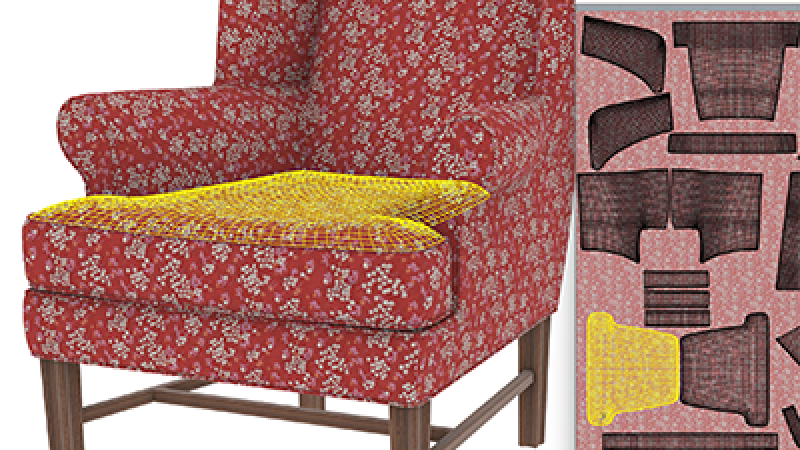
Rhino’s UV Editor allows you to edit the meshes that affect the appearance …
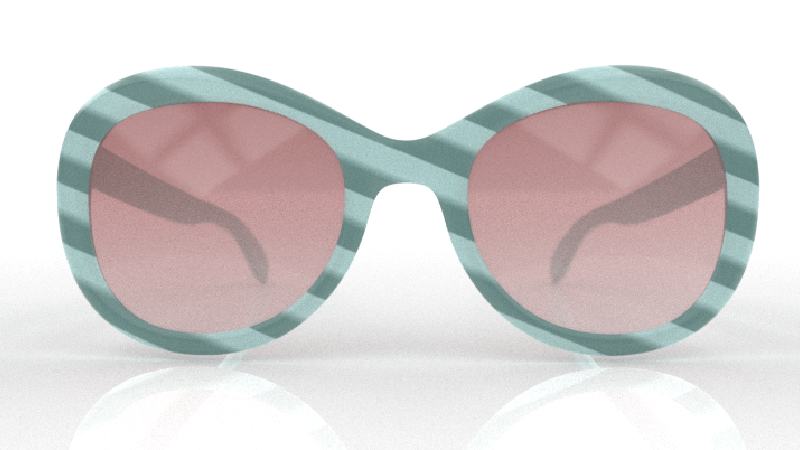
Native, per-pixel procedural textures in raytraced and rendered modes.
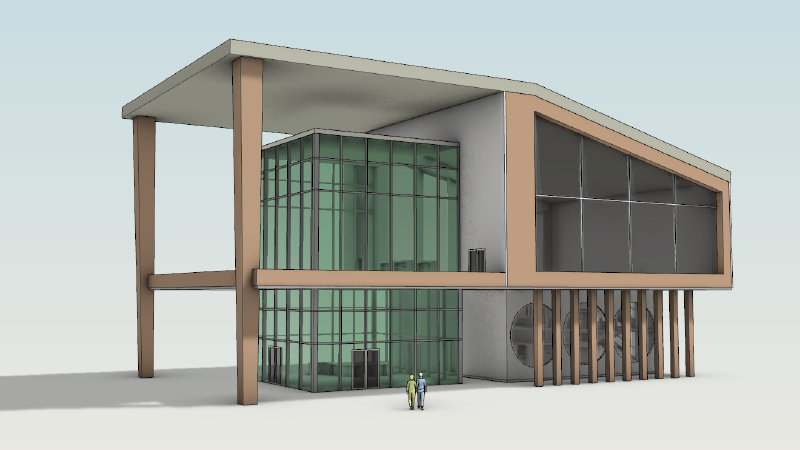
A clean, minimal Display Mode, perfect for showcasing architectural work.
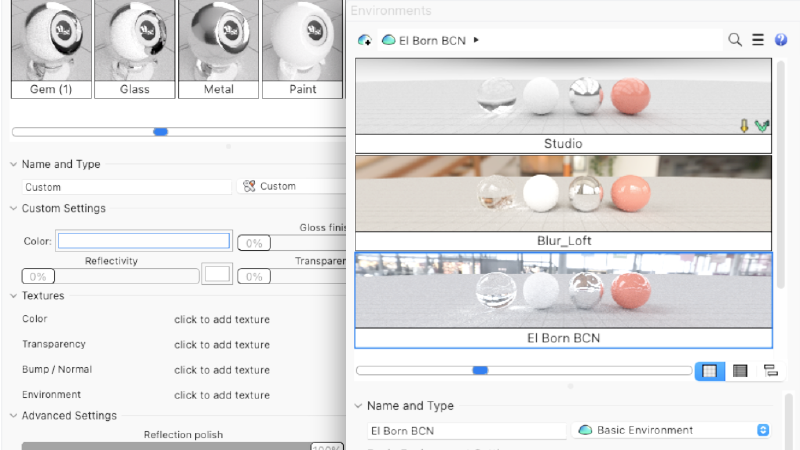
More compact, efficient, and interactive management and editing.
Grasshopper: Rhino Data Types
Rhino Data Types allow you to bake geometry with custom attributes, import more file formats, control blocks, use native materials in the display pipeline, create hatches and annotations, and many other expanded workflows…
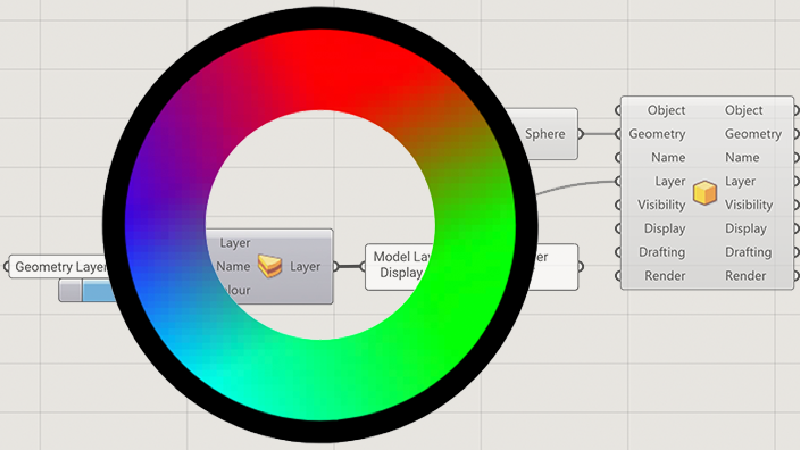
Manage Rhino object attributes directly from Grasshopper.
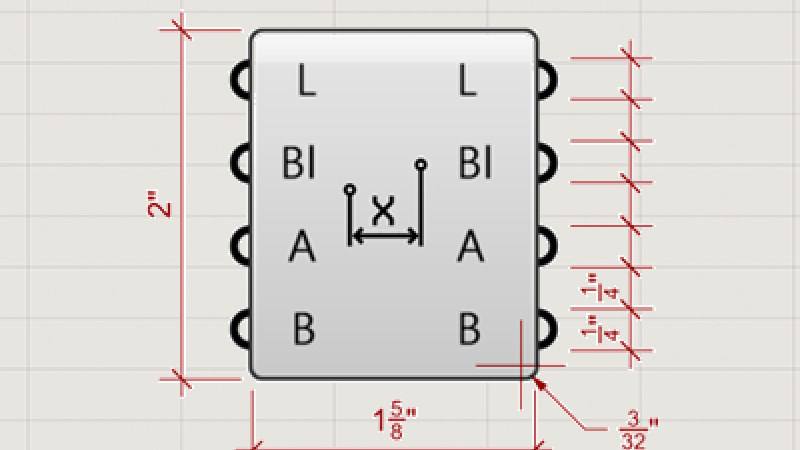
Define the look of annotations in Grasshopper.
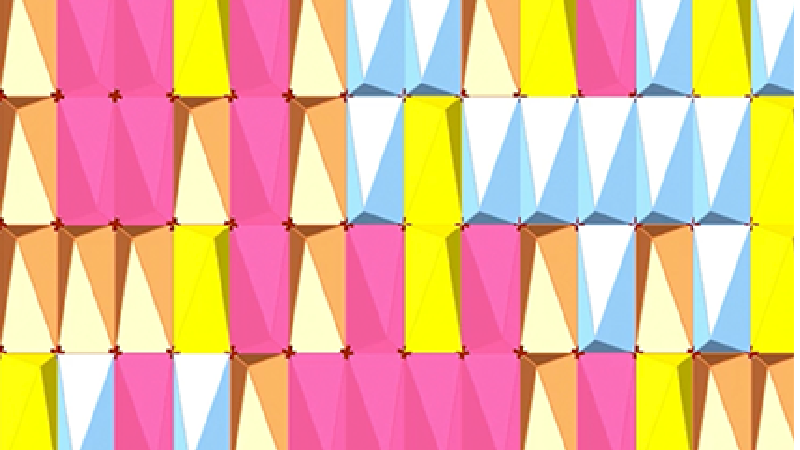
Create block definitions and instances in Grasshopper.
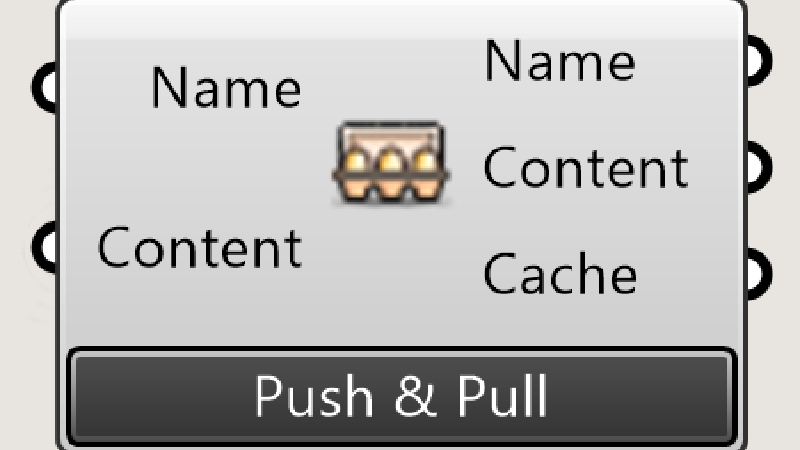
Update existing Rhino objects from Grasshopper.
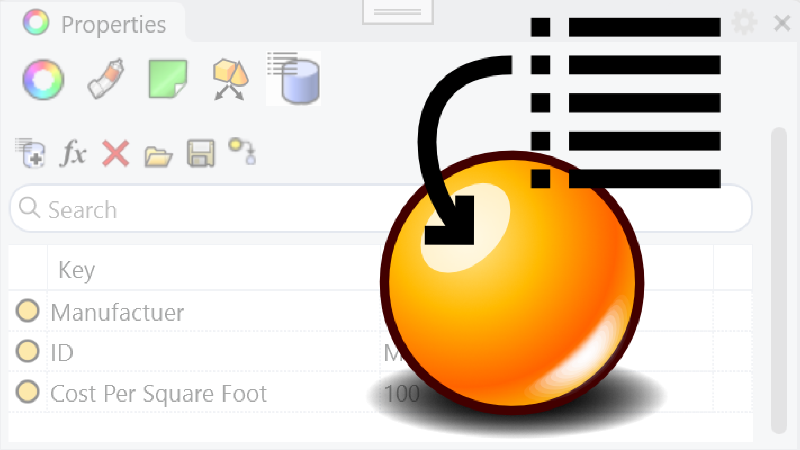
Add user text to Rhino objects.
Rhino Refined
We’ve fixed hundreds of bugs, but we’ve also added new Linetypes, improved Mesh Booleans, enhanced our surface editing tools, and more…
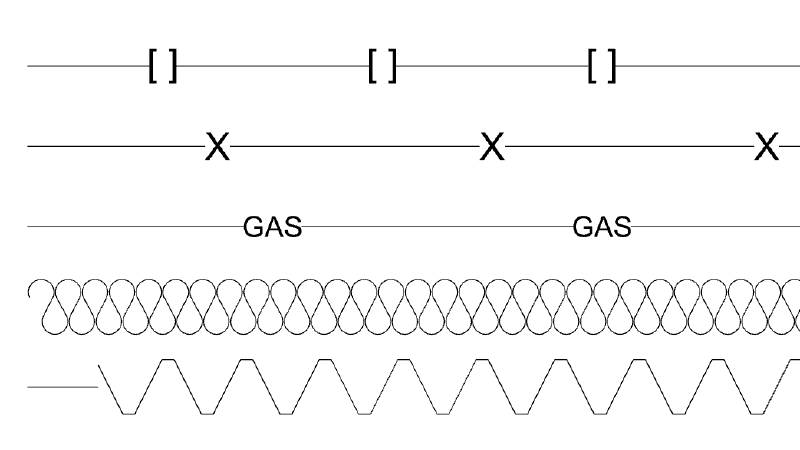
Linetypes in Rhino 9 can include shape and text. Represent utilities, …
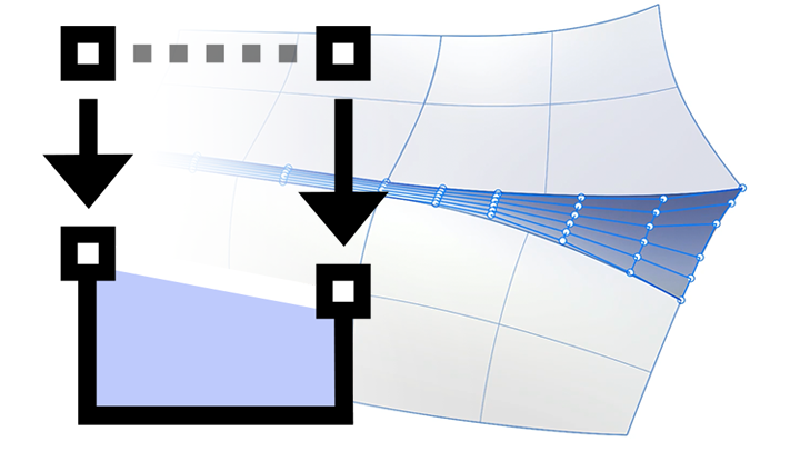
Take control of structure and continuity for well-made surface models.
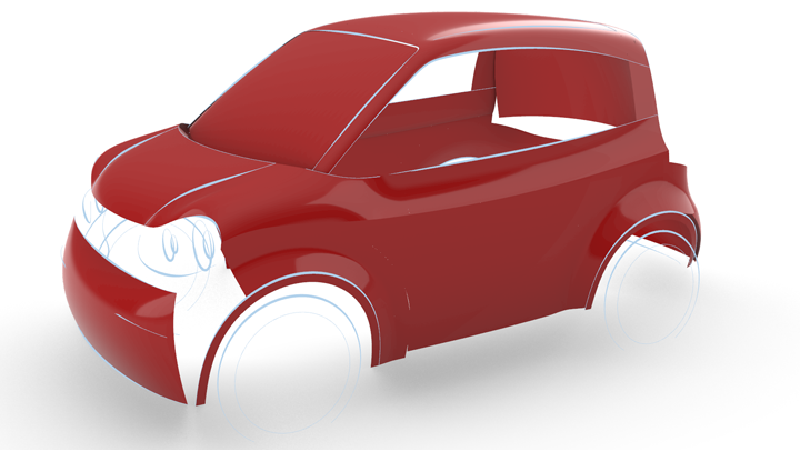
FilletSrf and ChamferSrf have received many workflow and quality …
Customize, save, share, and restore your favorite interface layouts.
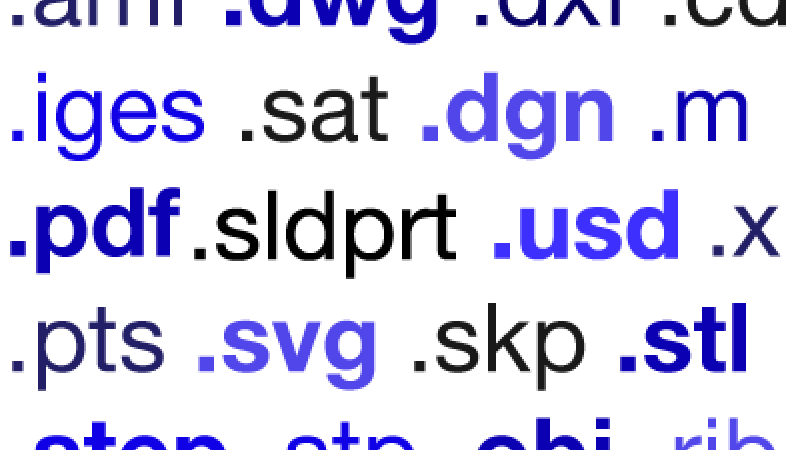
Rhino plays nice with others.
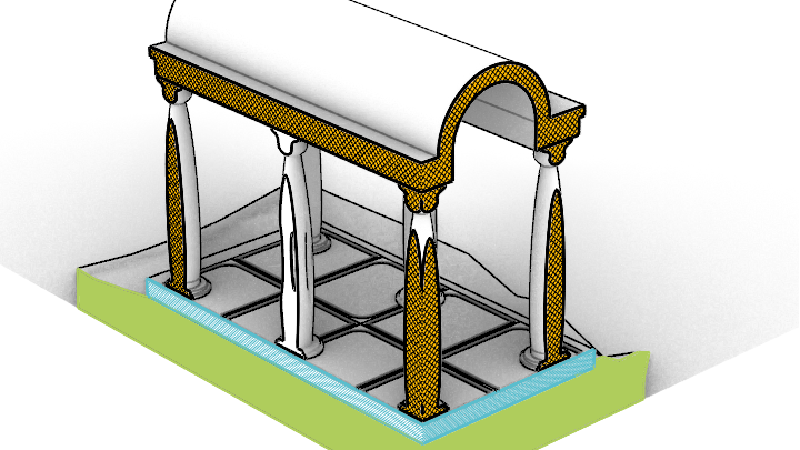
Dynamic 3D Sectioning and 2D Drawings.
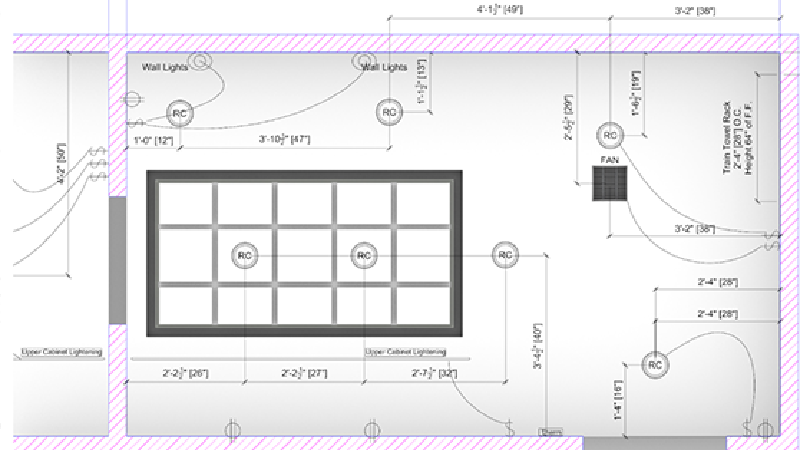
A reflected parallel projection viewport mode, perfect for RCPs.
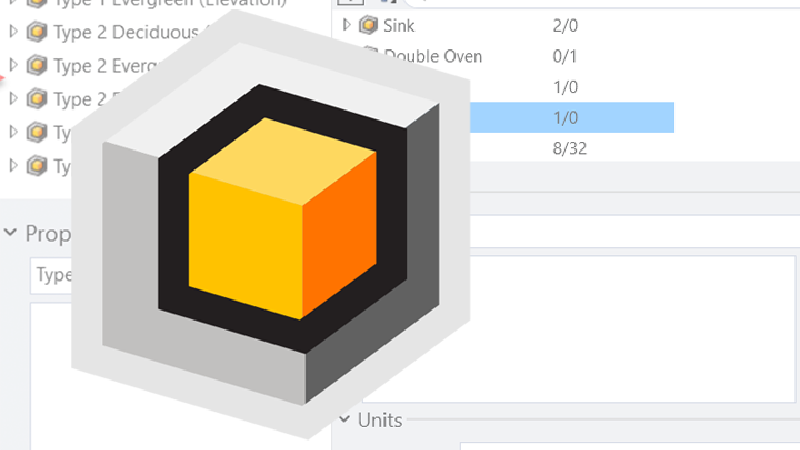
Blocks are sets of objects associated together by name. Blocks create smaller and more efficient models.
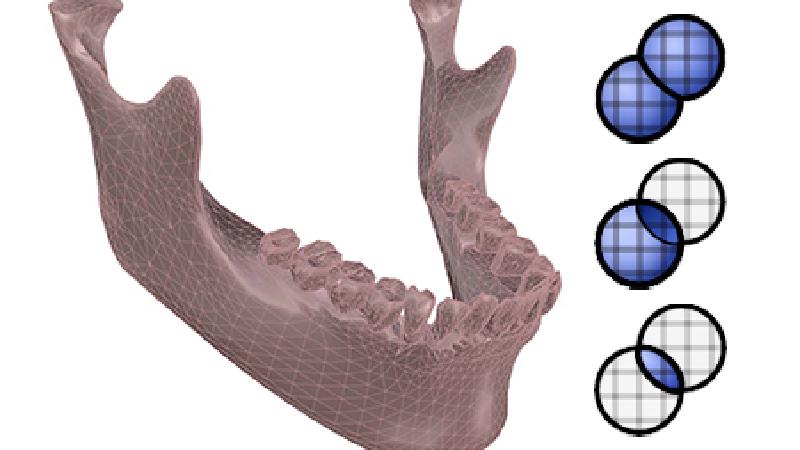
Completely rewritten and more reliable Mesh Booleans.
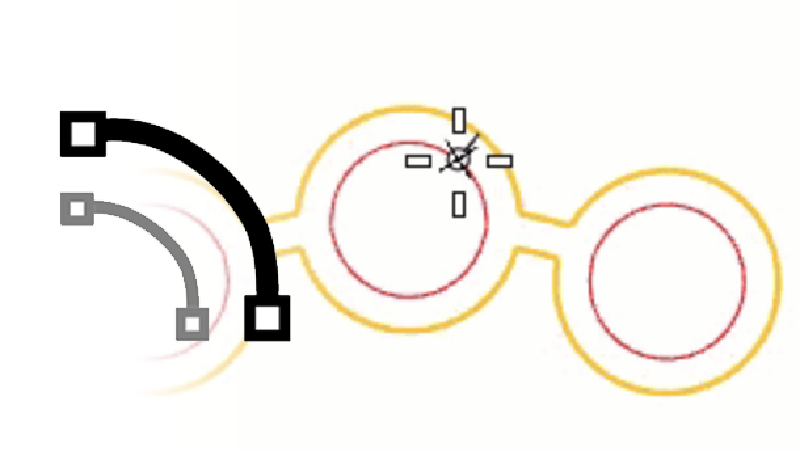
The Offset command copies a curve so that all locations on the copied curve …
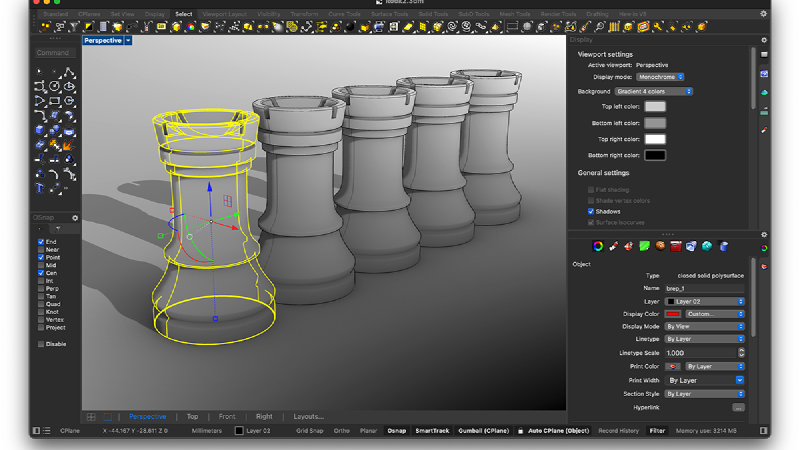
Switch the Rhino User Interface to the Dark Side.
Customize and extend Rhino to suit your workflows with Python or .NET.
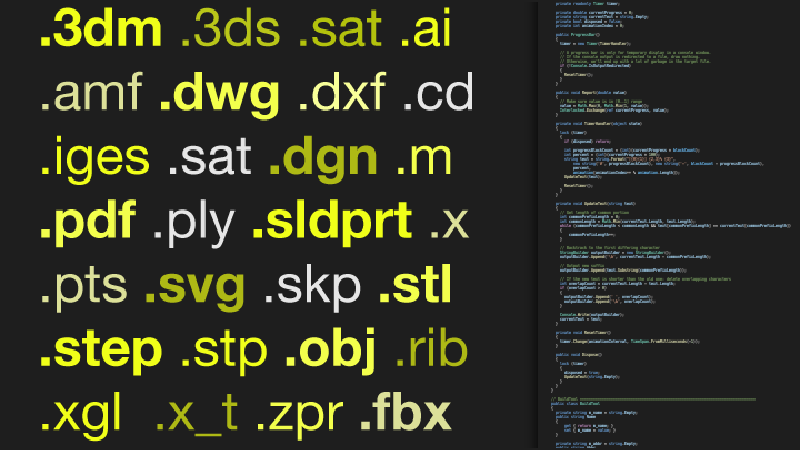
Read/write any format that Rhino supports entirely through code.
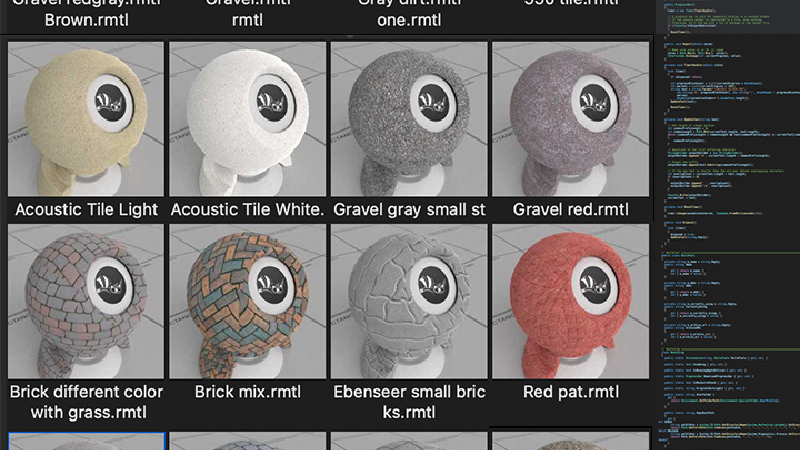
Read and write rendering assets from openNURBS or rhino3dm.
.NET 7 framework running on both Windows and Mac.
RhinoCommon is the cross-platform .NET plugin SDK for Rhino and Grasshopper, allowing developers to write once and run on both Windows and Mac platforms without changes.
And More
Looking for a complete list of new commands? If you’re not seeing what you’re looking for above, please check out the documentation’s
New in Rhino 8 for a complete list…as well as new command options.



